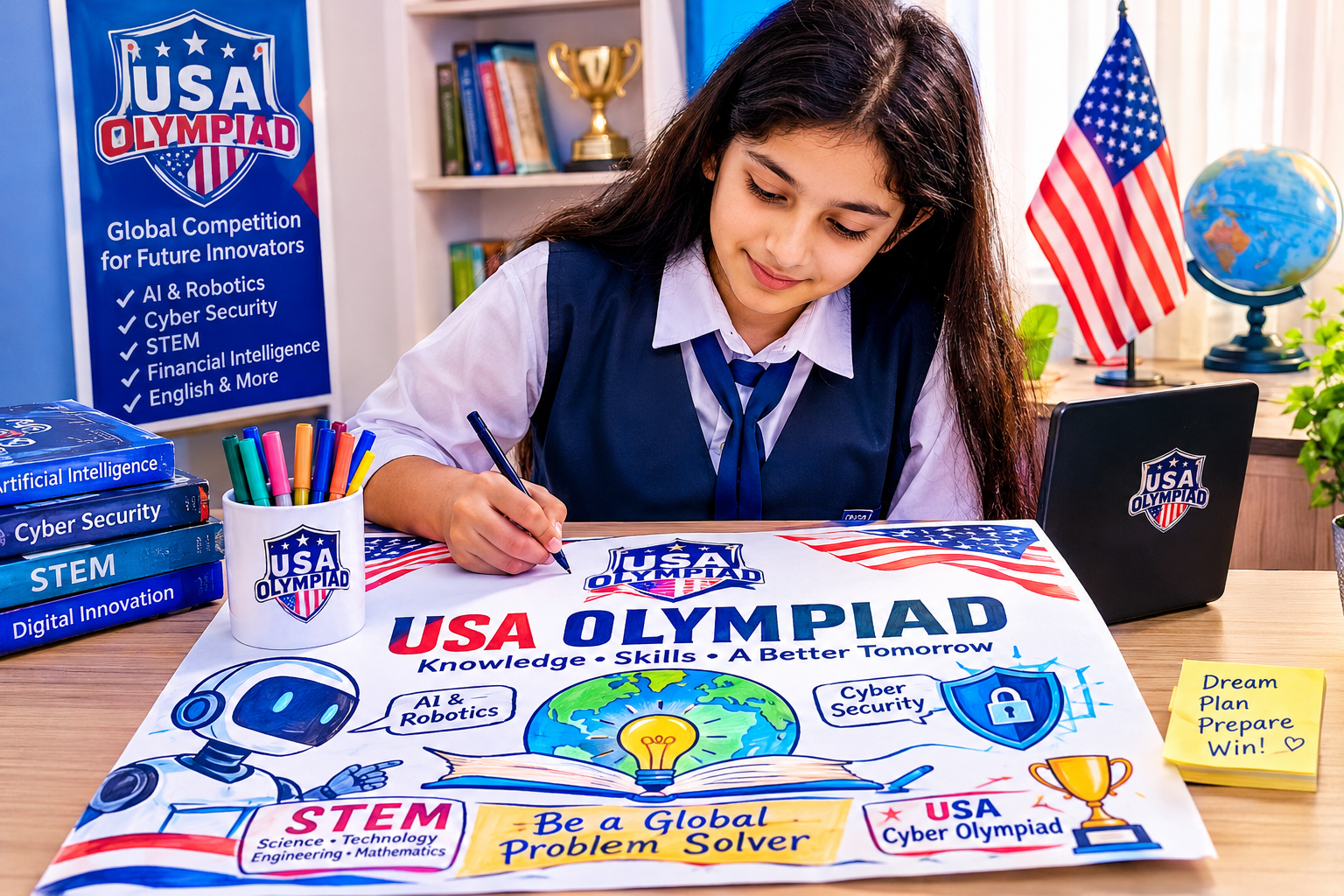

Absolutely! For Grade 3, the poster can move beyond basic safety rules and introduce AI, cyber detectives, digital footprints, fake news, privacy, and responsible technology use. The best ideas should feel like a story or adventure.


USA CYBER OLYMPIAD – GRADE 3
MOST ENGAGING POSTER-MAKING IDEAS
1. 🤖 AI: My Cyber Guardian
Draw a friendly AI robot protecting a child with a digital shield.
On the shield, write:
🔐 Protect My Password
🕵️ Spot Online Tricks
🛡️ Protect My Privacy
🧠 Think Before I Click
Slogan:
“AI Can Help Me—But I Must Stay Cyber Smart!”
2. 🕵️ The Cyber Detective Mission
Turn the poster into an exciting detective story.
A young cyber detective is investigating:
- A suspicious link
- A fake prize message
- An unknown friend request
- A strange email
The detective carries a magnifying glass labeled:
“CHECK BEFORE YOU CLICK!”
Slogan:
“Think Like a Detective. Stay Safe Online!”
3. 👣 My Digital Footprint
Show a child walking across a giant digital world, leaving footprints behind.
Each footprint contains:
📸 Photos
💬 Comments
❤️ Likes
🎮 Games
🔍 Searches
At the end, a big question:
“What Will Your Digital Footprints Say About You?”
Slogan:
“Think Before You Post—Your Digital Footprint Lasts!”
4. 🚨 The Cyber Safety Control Room
Draw a futuristic control room operated by a child “Cyber Commander.”
The control panel has buttons:
🔒 Privacy ON
🛡️ Security ON
🧠 Think Mode ON
🚫 Unknown Links OFF
Slogan:
“Take Control of Your Digital World!”
5. 🦸 The Digital Avengers
Create a team of cyber superheroes:
🤖 AI Guardian – Smart Technology
🔐 Password Protector – Strong Passwords
🕵️ Cyber Detective – Finds Scams
🛡️ Privacy Shield – Protects Personal Information
💡 Thinker Hero – Makes Smart Choices
Slogan:
“Together, We Make the Internet Safer!”
6. 🧠 Think Before You Click
Draw two paths.
Path 1: CLICK WITHOUT THINKING
➡️ Fake Link ➡️ Trouble ❌
Path 2: THINK & CHECK
Safe Website Smart Choice
Slogan:
“One Second to Think Can Keep You Safe!”
7. 📰 Real or Fake? Become a Fact Checker!
Draw a child holding a giant magnifying glass over two online news stories.
One says:
❌ FAKE!
The other says:
✅ CHECKED!
Add three simple questions:
Who shared it?
Is it from a trusted source?
Can I check the facts?
Slogan:
“Don’t Believe Everything You See Online!”
8. 🏰 My Digital Kingdom
Create a fantasy kingdom called:
CYBER SAFE LAND
The kingdom is protected by four gates: Strong Passwords
Privacy
Smart Thinking
Trusted Adults
Outside the kingdom are cartoon cyber villains like Fake Link, Scammer, and Password Thief.
Slogan:
“Protect Your Digital Kingdom!”
9. The Smart Screen
Draw a giant smartphone divided into two sides.
SMART CHOICES ✅
- Strong Password
- Kind Words
- Safe Websites
- Ask an Adult
UNSAFE CHOICES ❌
- Sharing Passwords
- Talking to Strangers
- Clicking Unknown Links
- Sharing Private Information
Slogan:
“Be Smarter Than Your Screen!”
10. 🌍 The Internet Is a Global City
Imagine the Internet as a huge city.
Draw:
Websites as house Internet as roads
🚦 Safety rules as traffic lights
👮 Cybersecurity as police
🏥 Antivirus as a digital hospital
Show children learning how to safely travel through this city.
Slogan:
“Explore the Digital World—Travel Safely!”
11. Cyber Safety School
Design a futuristic school called:
CYBER SMART SCHOOL
Classrooms teach:
📚 Password Power
🔍 Detecting Fake Links
🛡️ Privacy Protection
🤖 Safe AI Use
💬 Kindness Online
The student graduates with a certificate:
“CERTIFIED CYBER SMART KID!”
MY TOP RECOMMENDATION FOR GRADE 3
“MY DIGITAL FOOTPRINT: THE TRAIL I LEAVE ONLINE”
This is especially strong for Grade 3 because it introduces a new and meaningful cyber-safety concept rather than repeating basic password rules.
Poster Layout:
TOP:
USA CYBER OLYMPIAD
WHAT FOOTPRINT WILL I LEAVE ONLINE?
CENTER:
Draw a child walking through a colorful digital world.
Behind the child are footprints containing:
📸 Photos
💬 Comments
❤️ Likes
🎮 Games
🔍 Searches
At the end of the path, draw a large digital footprint-shaped mirror.
Inside it:
“THINK BEFORE YOU POST!”
BOTTOM SLOGAN: