1. My AI Cyber Shield
Draw a friendly robot holding a big shield protecting a child from online dangers.
Write:
“AI Is My Digital Shield!”
“Think Before You Click!”
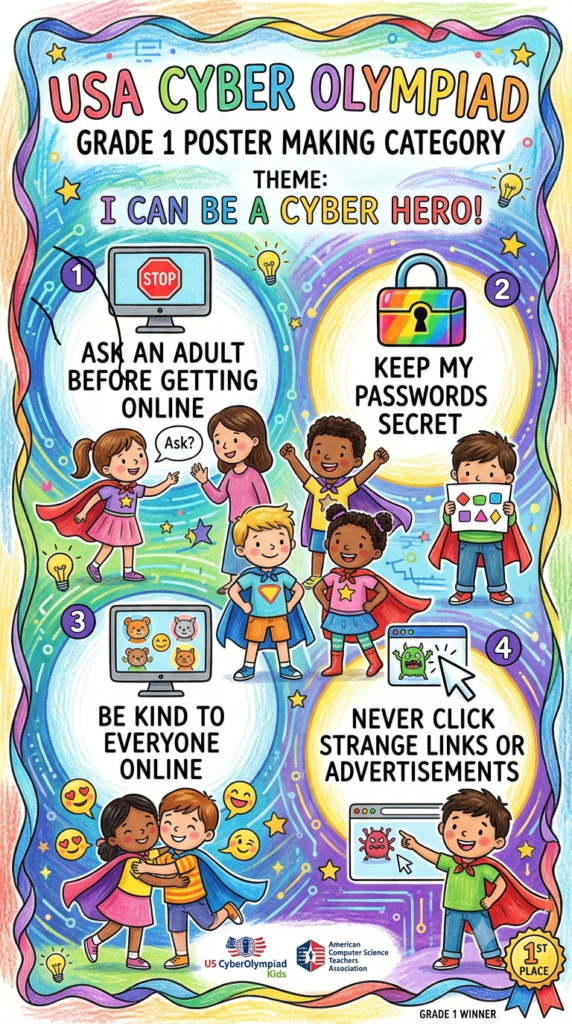
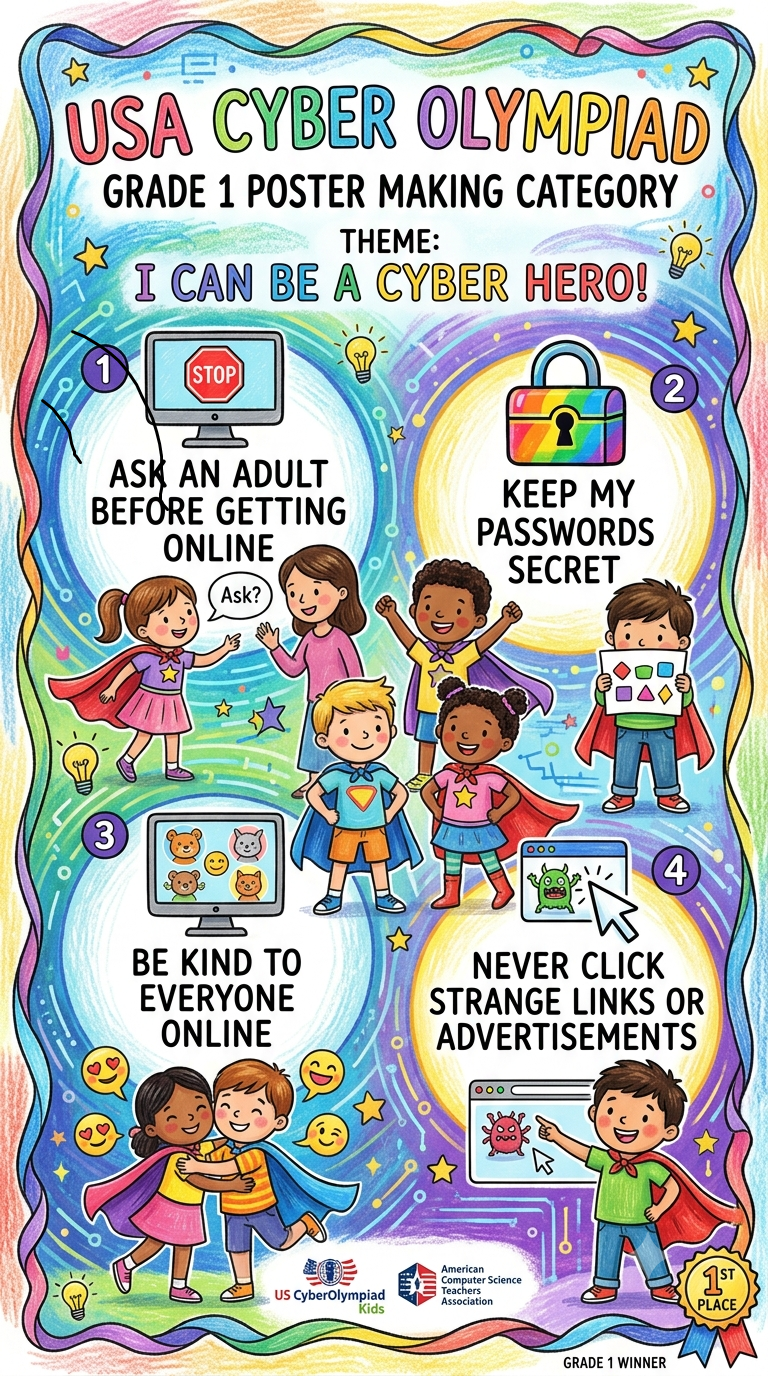
2. Be Smart, Be Safe Online
Draw a happy child using a computer with three safety rules:
Keep My Password Secret
Think Before I Click
Tell a Trusted Adult
3. My Password Is My Secret
Draw a large lock protecting a computer or phone.
Write:
“Strong Password = Strong Protection!”
4. AI: My Friendly Digital Helper
Draw a cute AI robot helping a child learn, while a cybersecurity shield protects them.
Write:
“Learn with AI, Stay Safe Online!”
5. Stop! Think! Click!
Create a traffic-light poster:
STOP – Is this safe?
🟡 THINK – Do I know this person?
🟢 CLICK – Only if it is safe!
6. Don’t Talk to Strangers Online 👤
Draw a child receiving a message from an unknown person, with a big STOP sign.
Write:
“Online Stranger? Don’t Reply. Tell an Adult!”
7. The Cyber Safety Superhero 🦸
Make the child a Cyber Safety Superhero with a cape and shield.
Write:
“I Am a Cyber Safety Hero!”
8. My Smart AI Brain 🧠🤖
Draw a child and a friendly AI robot surrounded by icons of a lock, shield, password, and computer.
Write:
“Use AI Smartly. Stay Cyber Safe!”
My Best Recommendation for Grade 1
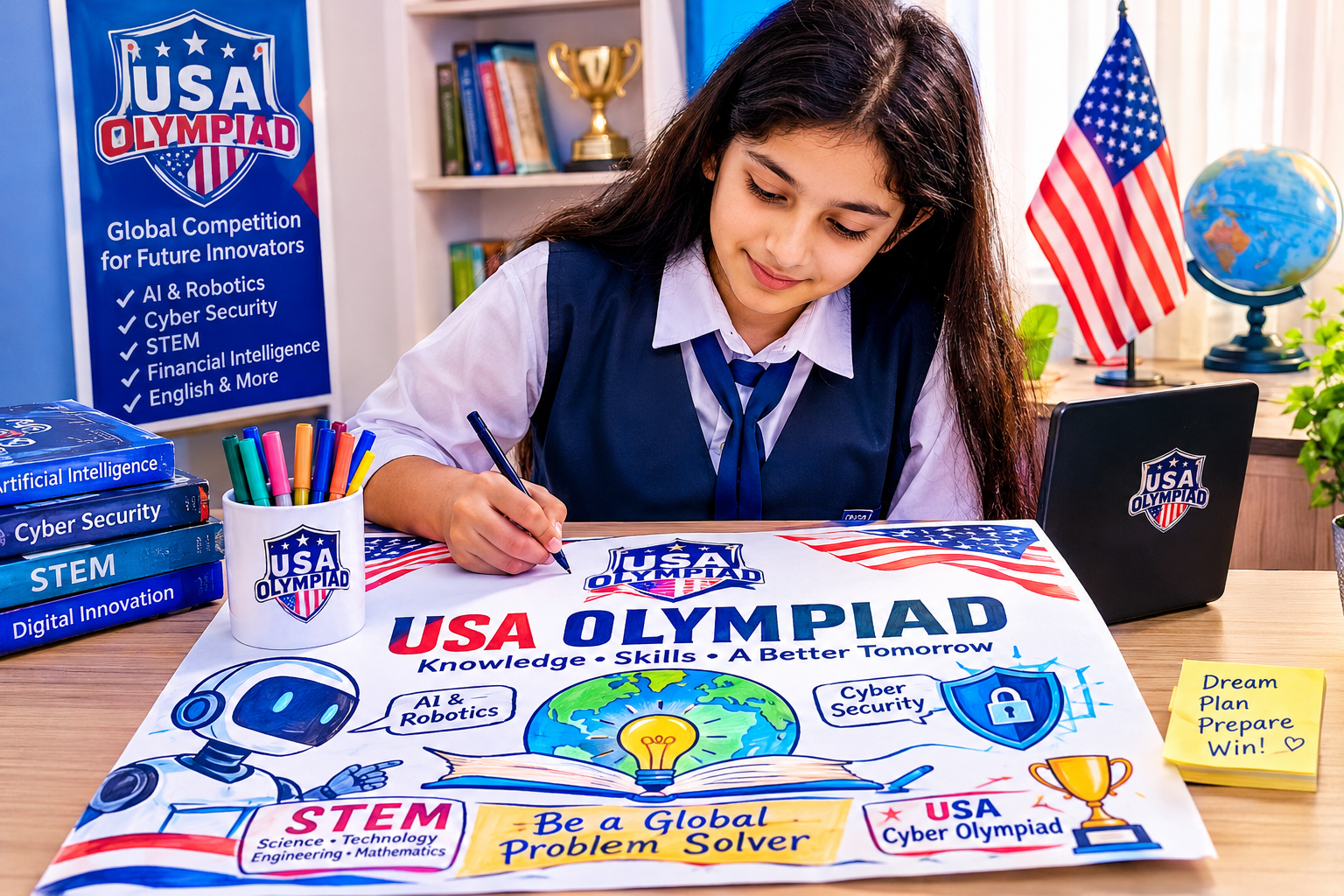
Poster Title: “AI Is My Cyber Safety Superhero!”
The child can draw:
- A cute AI robot 🤖
- A large shield 🛡️
- A computer or tablet 💻
- A lock 🔒
- A happy child 👦👧
- A few simple cyber safety rules
Main slogan:
“BE SMART • BE SAFE • BE A CYBER HERO!”
This concept is easy to draw, colorful, visually attractive, and strongly presented posters.